
Technicians
Start with the day, open the current job, and keep service documentation close to the equipment.
Operations software for HVAC service teams
Clear in the field.
Connected in the office.
Bring the day's work, service records, and office follow-through into one shared workflow.
In active development · Pilot enquiries welcome
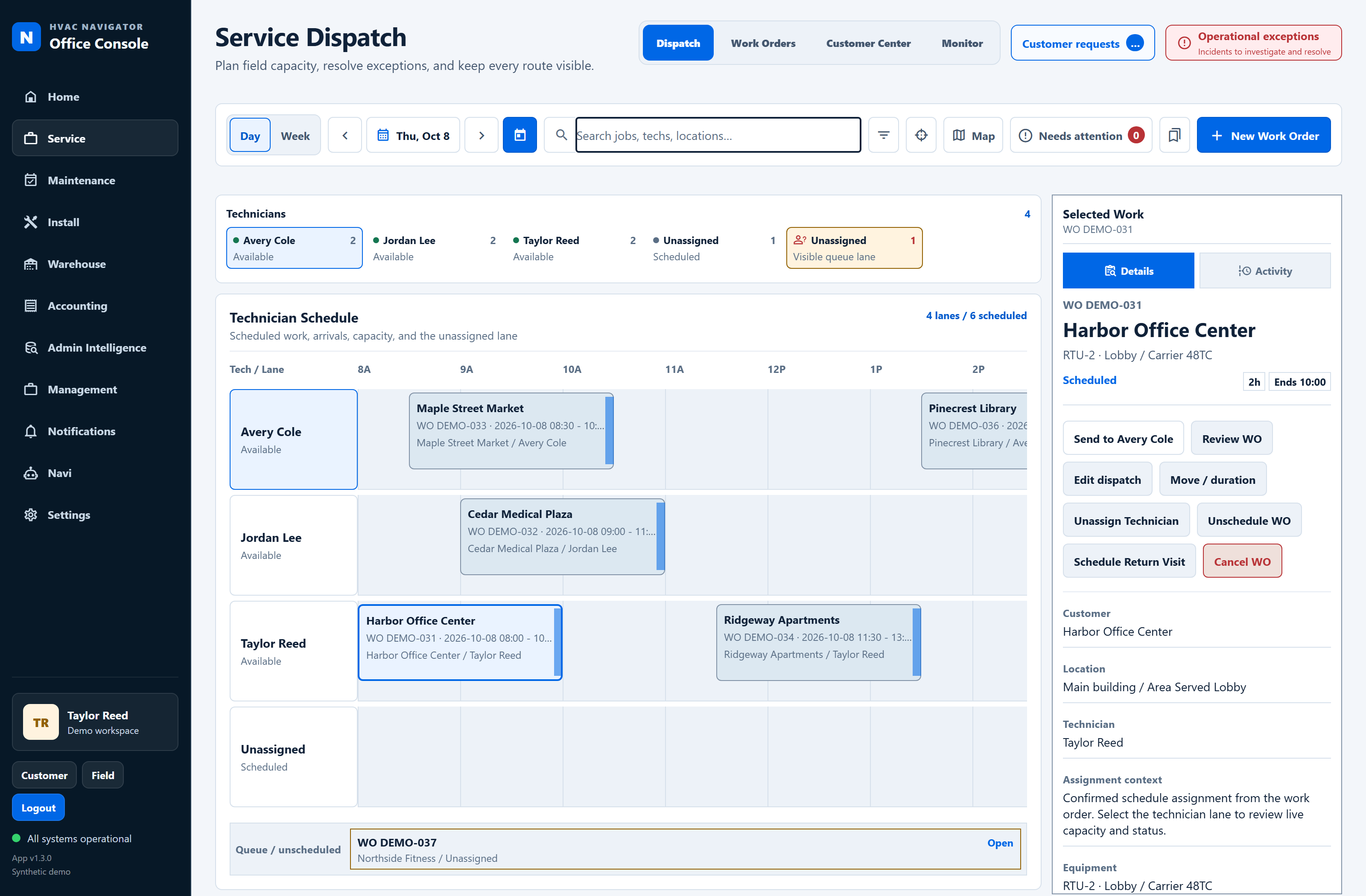
One connected service story
A service call touches more than one person. Navigator brings the schedule, service record, and follow-up into a connected workflow.
Plan the day with technician lanes, scheduled visits, and work waiting for a place on the board.
DispatchKeep customer, equipment, findings, and materials together as the technician works through the job.
FieldReview completed work, quote requests, and jobs needing another action with the service record close by.
Service managerReturn the job to dispatch or continue the office handoff, with the reason and next action clear.
OfficeThe refreshed field experience
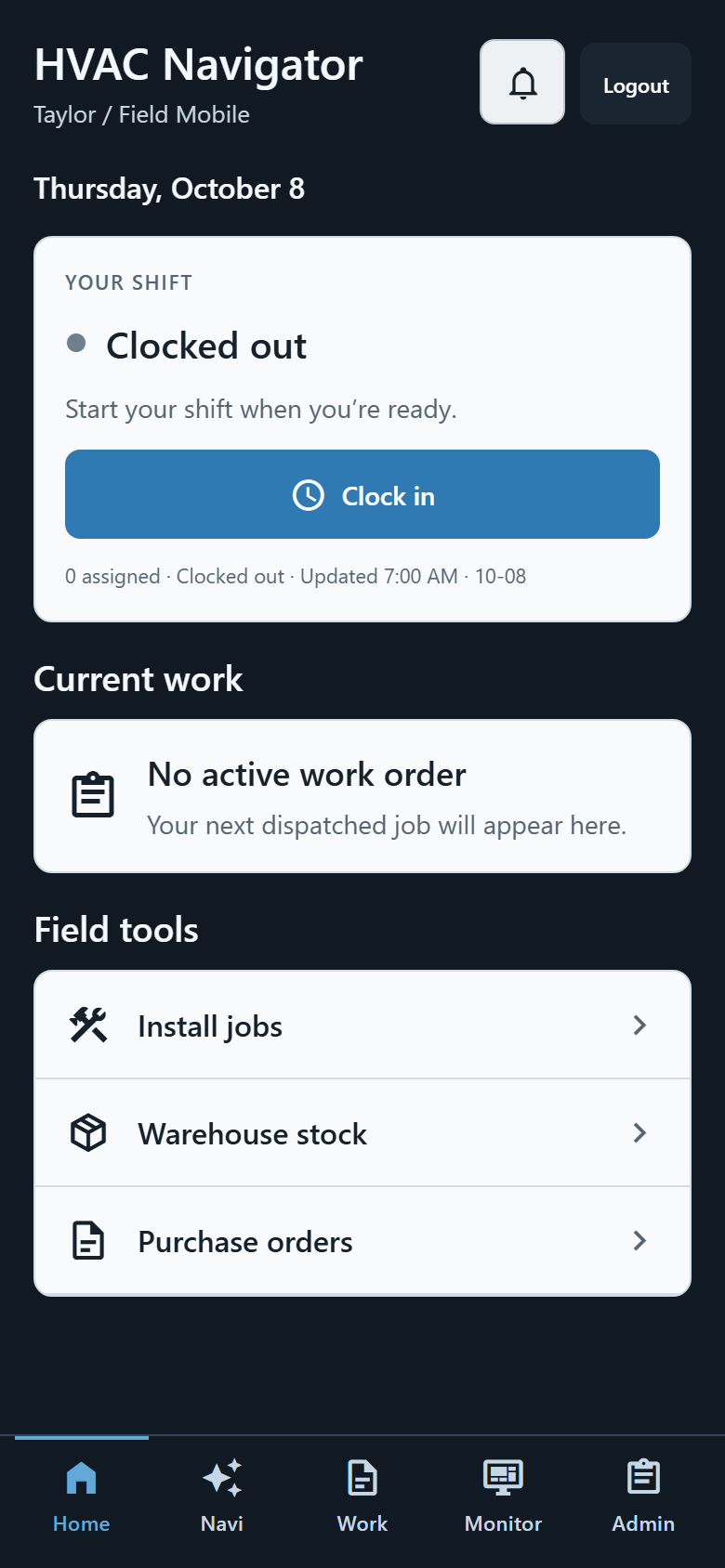
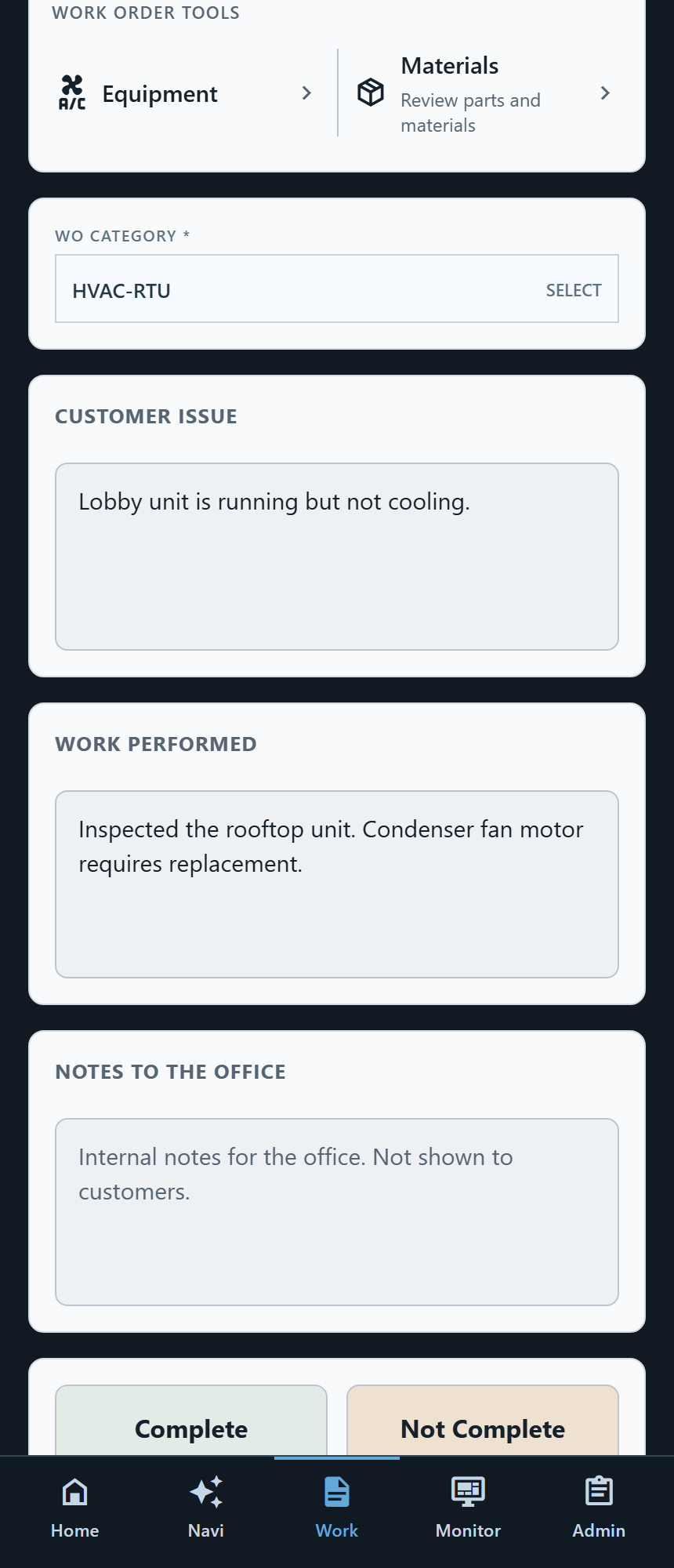
Start with your shift and current job. Keep equipment, materials, and visit notes together as the work progresses.
Screens from the current app, shown with synthetic demo data. Select an image to view it in full.
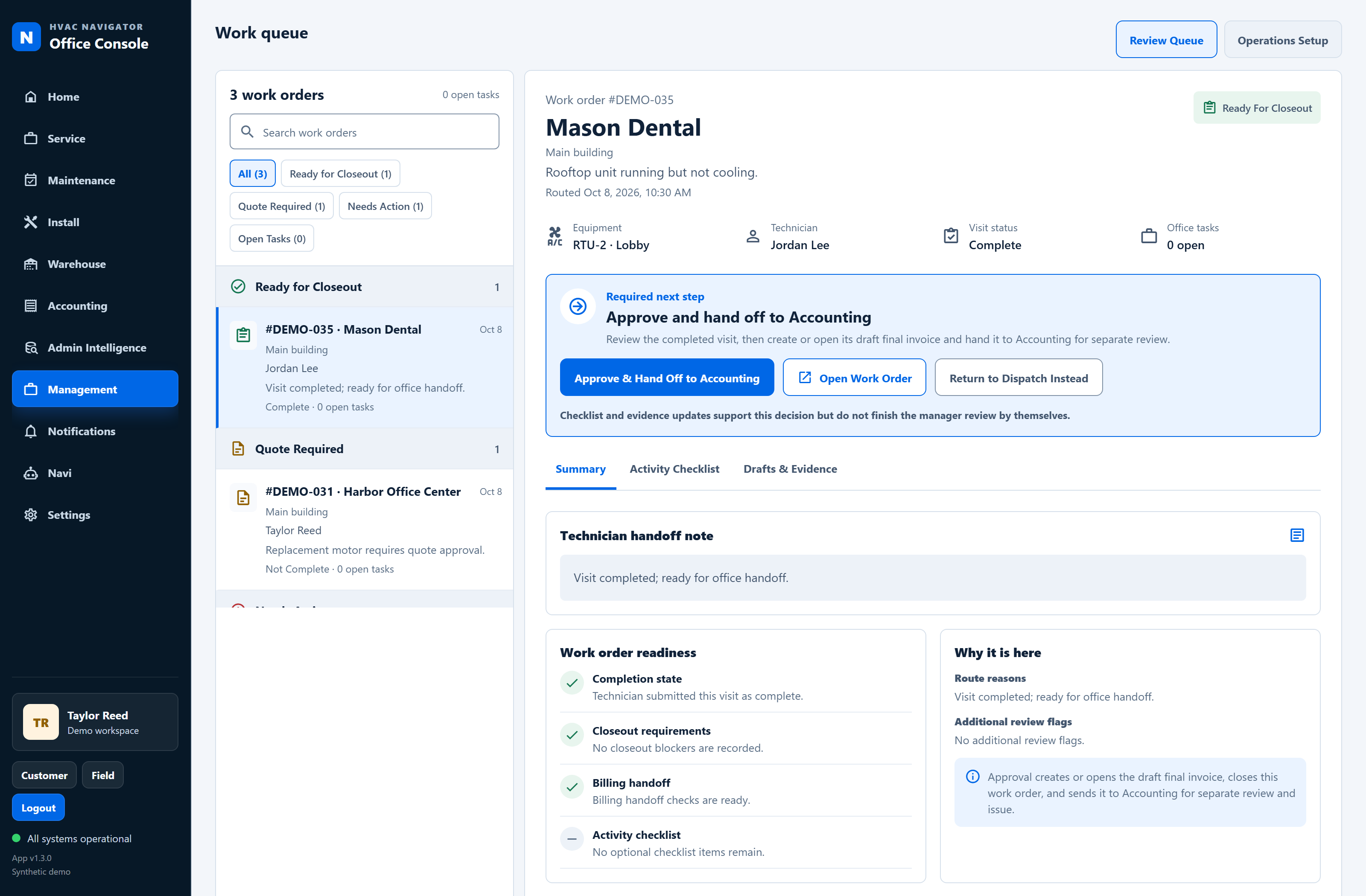
From completed visit to next action
Review the technician’s findings, completion status, and remaining tasks together. Move the job toward accounting, a quote, or a return visit with the context close by.
Support for the work around the job
Explore the assistant, review operational findings, and keep track of recorded time.
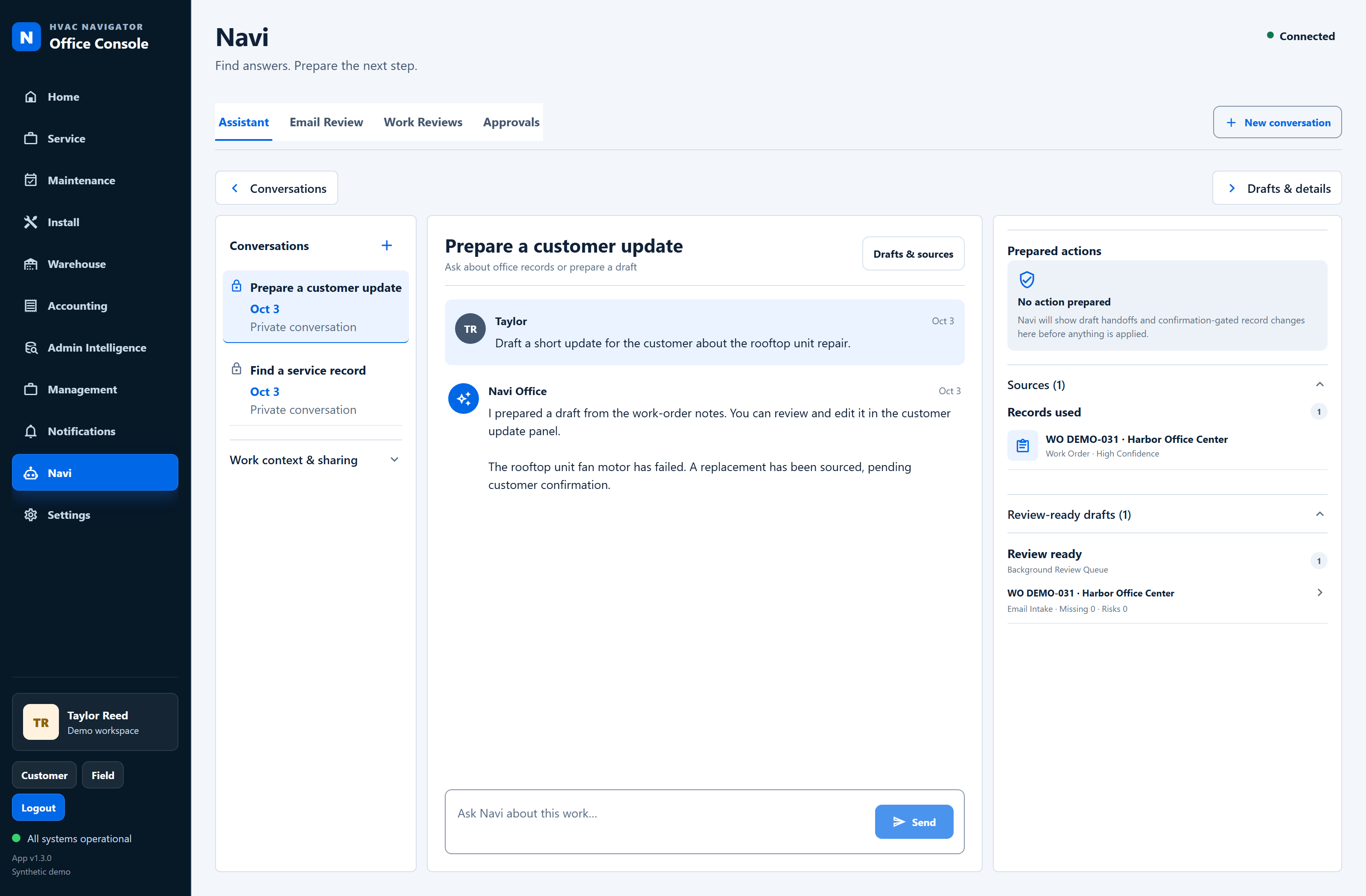
Use job context to draft an update, consult supporting records, and review the result before taking action.
Navi assistant · Synthetic conversation
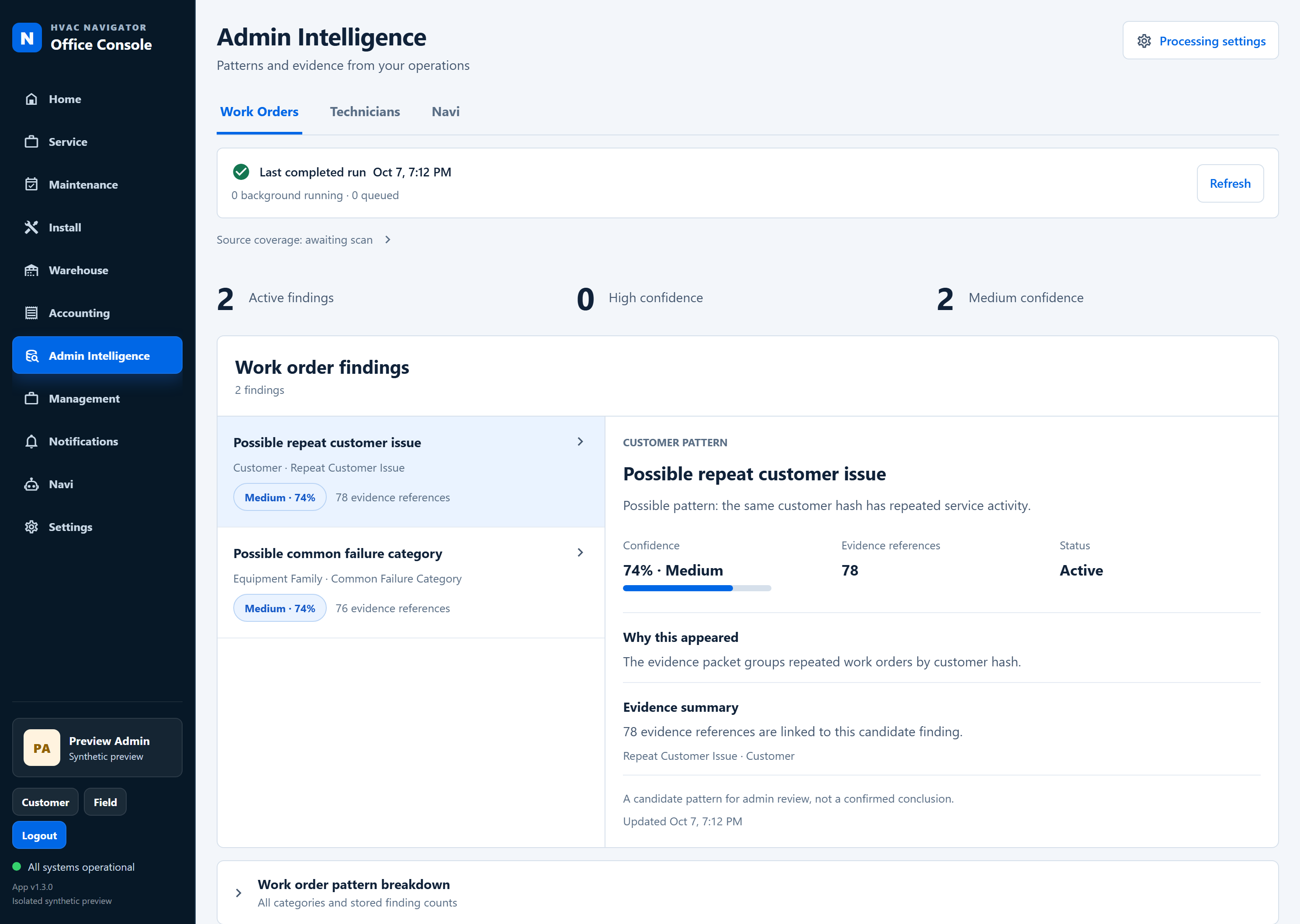
Explore work-order, technician, and Navi findings with confidence and supporting references in view.
Findings are candidates for review. Your team makes the decision.
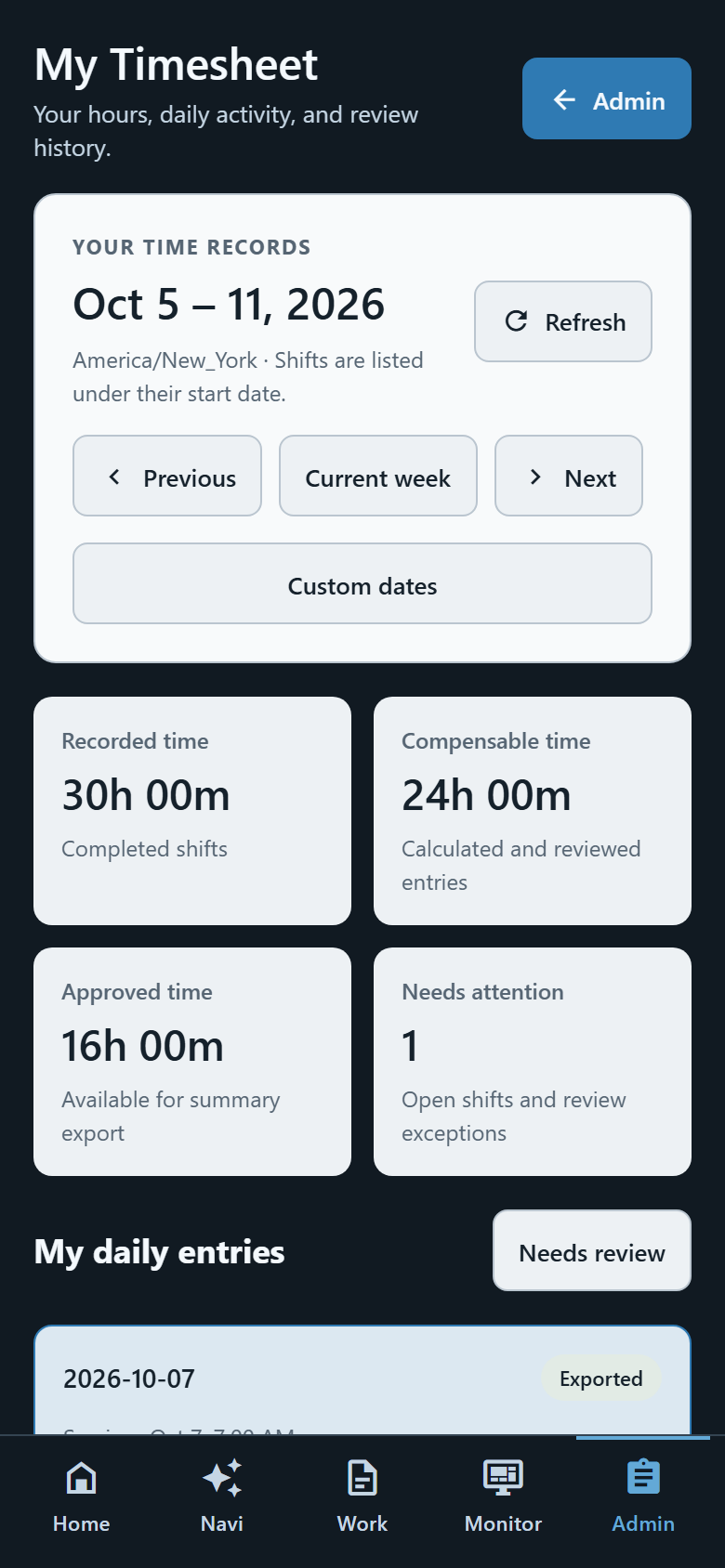
Review daily entries, weekly totals, and time needing attention in a dedicated mobile timesheet.
Personal timesheet · Synthetic time records
Built around the people doing the work
Start with the day, open the current job, and keep service documentation close to the equipment.
See the full planner, keep unassigned work visible, and coordinate the next visit.
Review the work waiting for a decision and give the next person a clear handoff.
Follow the service record into purchasing, stock, and billing work without losing the job context.
A practical next step
We are looking for a small team to pilot HVAC Navigator and help refine it around day-to-day service operations.
Tell us about your team, your current workflow, and where better coordination would help.
Discuss a pilot hvacnavigatorapp@gmail.comAccess is arranged directly while the product is being refined.